Client delivery checklist
Verification and rollout guide
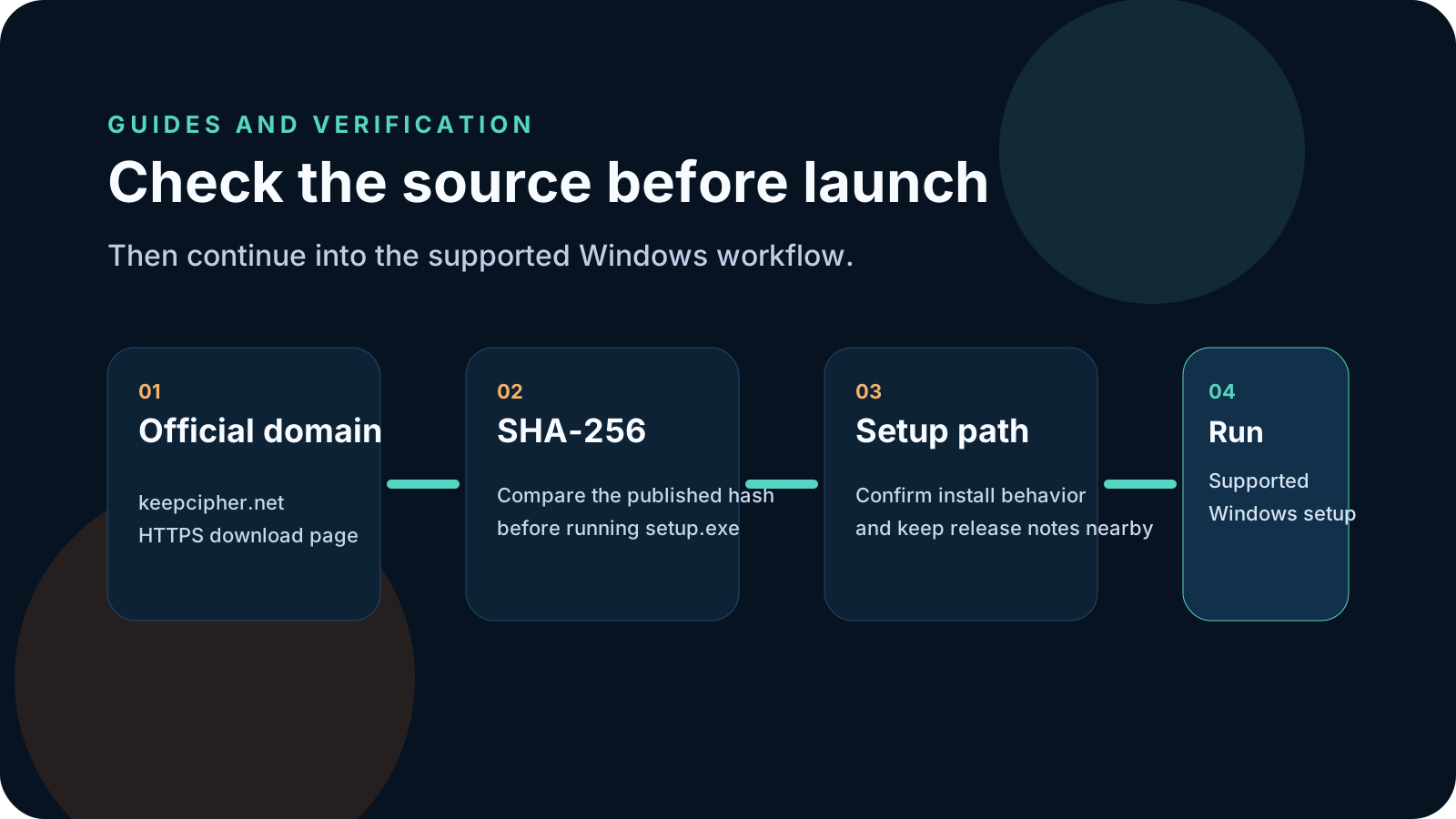
Guide
A good archive delivery process is easier to support than a clever one. The best handoff is the one a client can open without needing three follow-up explanations.
What this guide covers
Client delivery checklist
The archive itself is rarely the only problem. Friction usually comes from naming, access instructions, mismatched expectations, and unclear support ownership once the file reaches the client.
A delivery checklist keeps the handoff readable for both the sender and the receiver, which is more valuable than adding more ad-hoc notes to each project.
The client should receive one clean archive file, one clear explanation of what it is, and one clear path to support if access fails. Avoid making the receiver reconstruct the process from old messages.
Keep the final file name, delivery timestamp, and the public workflow page you expect the client to follow. That makes it easier to diagnose problems without guessing which version was sent.
Client delivery checklist
Use this sequence when protected archives are part of your regular client handoff process.
Give the archive a project-specific filename that the client can recognize without extra interpretation.
Decide how the recipient will unlock the archive and make sure those instructions are stable and readable.
Describe what the file is, what the client should do first, and where to go if the opening process fails.
Retain the delivery details and public workflow page so support can quickly confirm what the client received.
KeepCipher
These are the patterns that turn a normal archive handoff into an avoidable support thread.
Every variation makes support harder. A stable delivery checklist reduces the need for custom explanations.
The receiver should not have to guess whether they should download software, enter a password, or request support first.
If access fails, the client needs one obvious place to go next instead of trying random workarounds.
Related pages
These pages connect the delivery checklist to the actual product workflow, installer page, and licensing path behind KeepCipher.
KeepCipher
If client archive delivery is a repeated workflow, continue to the related KeepCipher use-case page and the official Windows installer path.