Workstation prep
Verification and rollout guide
Guide
A smoother rollout starts before the first archive is opened. This guide focuses on what the workstation and operator should already know before secure archive access becomes part of daily work.
What this guide covers
Workstation prep
Many archive workflows fail not because the archive is wrong, but because the workstation was never prepared as part of the same rollout. The operator ends up guessing where the software came from, how activation works, and what to do first.
A short workstation-prep routine gives support, operations, and the receiving user the same baseline before the software is used for live archive access.
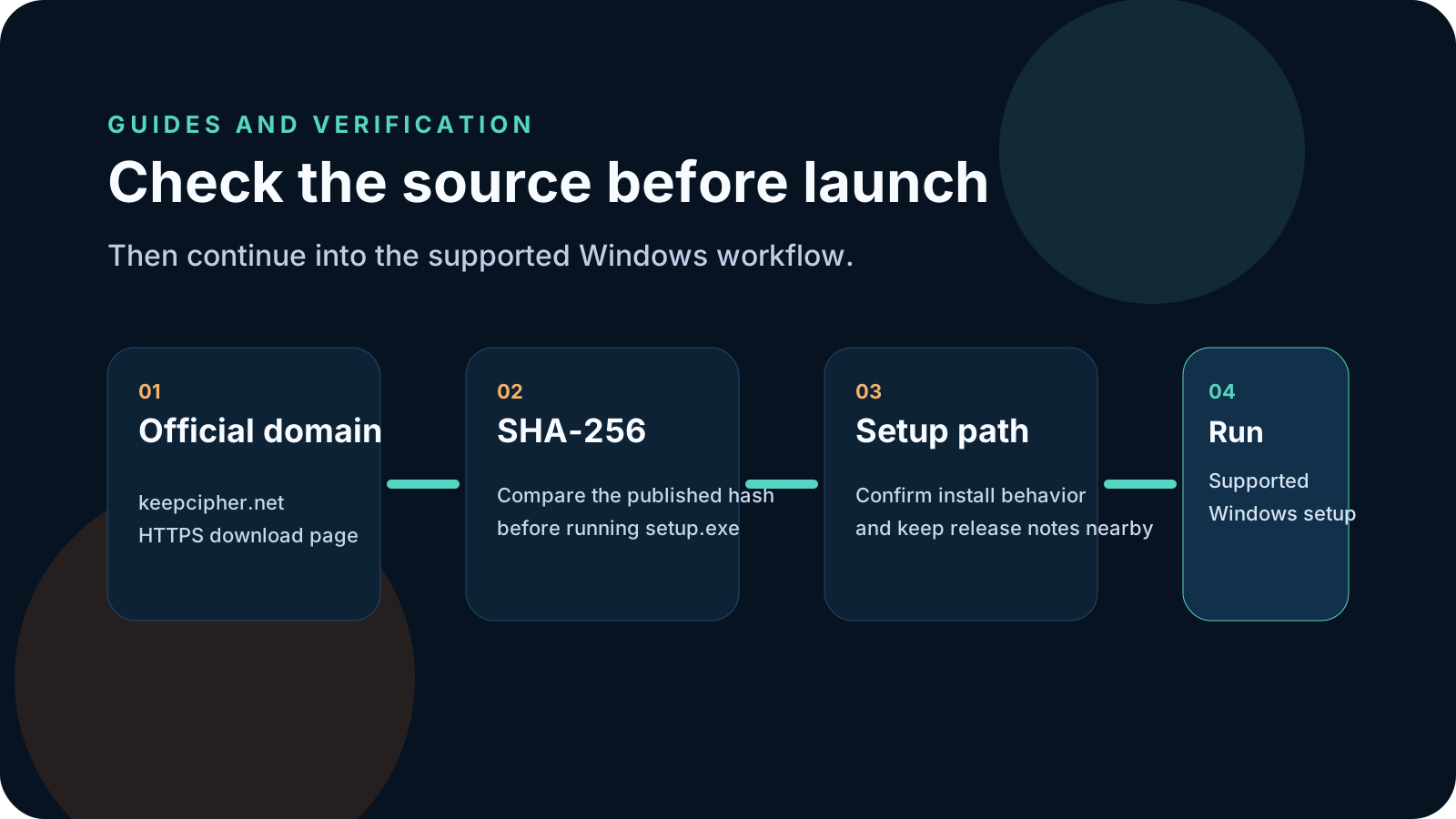
Before installation, decide where the installer comes from, where it installs, who owns activation, and what support path the operator should use if the first launch does not go as expected.
A prepared workstation has one verified installer, one expected install location, and one simple explanation of how the user moves from installation into archive access.
Workstation prep
Use this routine before archive access becomes part of a team's normal Windows workflow.
Start from the official download page and keep the published file details available for the operator or support team.
Make sure the operator knows where the app installs and how it is removed or updated on that workstation.
Decide who handles access codes, licensing, and first-run activation so the operator is not guessing on launch day.
If the first login, activation, or archive-open flow fails, the user should know exactly where to go next.
KeepCipher
These are the patterns that usually make a rollout feel more chaotic than it needs to be.
If installation is disconnected from the real archive workflow, users start improvising from day one.
When nobody owns the first-run licensing step, operators get stuck in the most avoidable part of the process.
Even a good product flow becomes frustrating if the workstation user does not know who to contact after a failed first run.
Related pages
These pages connect workstation prep to the supported Windows release, secure archive workflow, and plan selection behind the actual rollout.
KeepCipher
After workstation prep is clear, move into the KeepCipher download page, secure archive workflow page, and plan comparison for the rollout itself.