Client delivery
Verification and rollout guide
Guide
The strongest client-delivery process is not only about encryption. It is about giving the recipient a cleaner handoff: one package, one access path, one support route, and one official place to verify the software involved.
What this guide covers
Client delivery
Many teams do not fail at file protection. They fail at consistency. One delivery is a ZIP, the next is a folder, the third depends on a message thread that nobody can find a week later.
A better process starts by deciding that the delivery routine itself should be standardized, not improvised.
Clients usually need fewer moving parts, not more. The best delivery flow gives them a clear file package, a clear access path, and a clear support route if something blocks them.
If the client needs software to open or verify the files, the product page should make the installer easy to validate. That reduces hesitation and back-and-forth during delivery.
Client delivery
Use this sequence when you want a client-delivery workflow that scales better than one-off archive habits.
Choose one archive workflow for deliverables so every client receives the same basic structure instead of a different packaging method each time.
Decide how the client will unlock or verify the package before you send it. That includes password handling, second-factor setup, and support expectations if activation is involved.
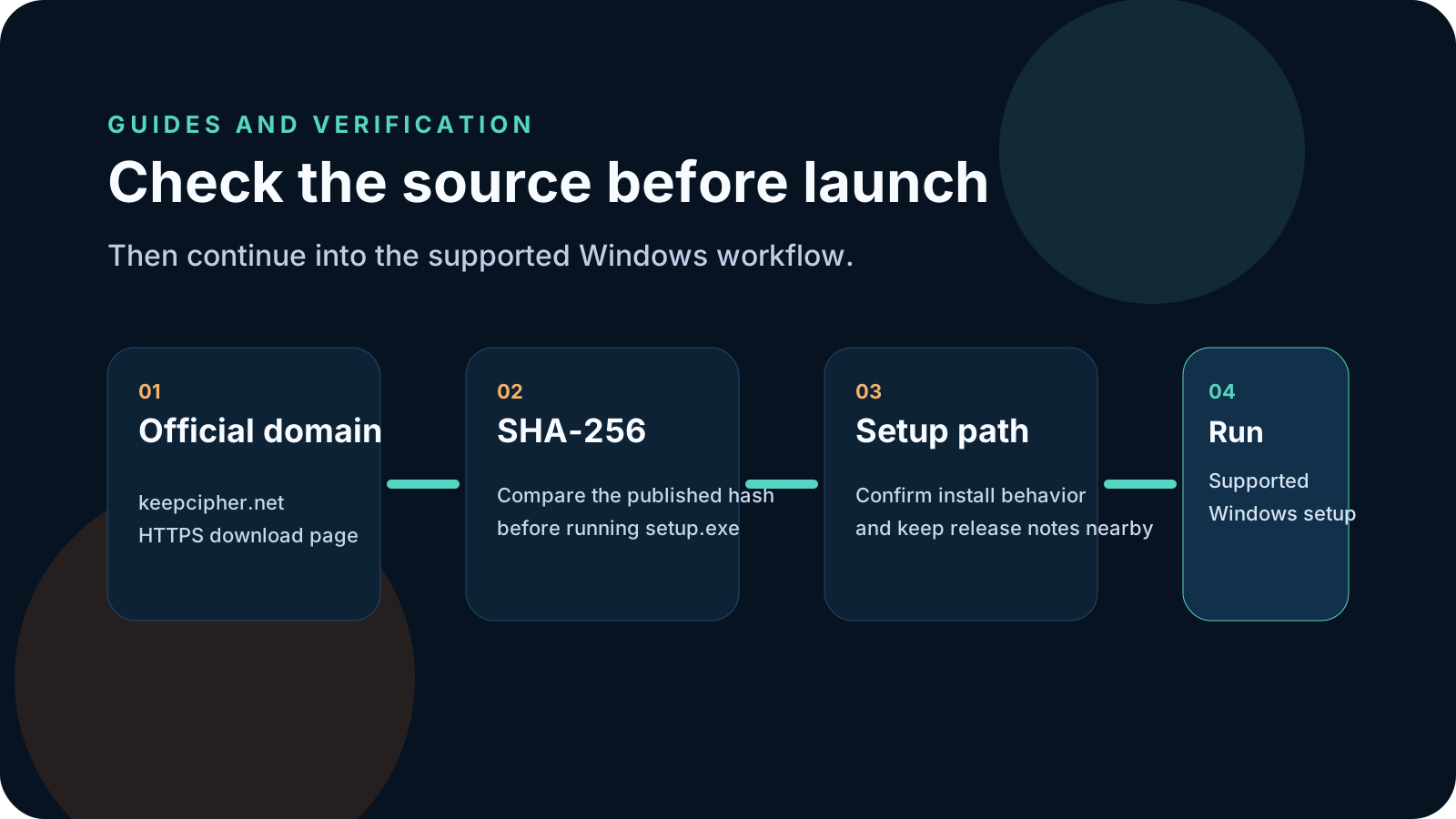
If a client needs the desktop app, send the official product page, not a detached installer copy. That gives them the real file name, hash, and trust details.
Use one visible support route so device issues, activation problems, or ticket history stay connected to the same product flow.
KeepCipher
These are the patterns that make sensitive file delivery feel risky even when the files themselves are technically protected.
The more custom the instructions become, the harder it is to maintain support quality and predictability.
That removes the public trust context around the download and forces the client to guess whether the file is legitimate.
Once follow-up spills across email, chat, and ad-hoc screenshots, delivery issues take longer to resolve and become harder to audit later.
Related pages
These pages connect the guide to the actual client-delivery workflow, the supported installer, and the pricing path for live deployments.
KeepCipher
If client file delivery is your main use case, open the KeepCipher workflow page and then continue into the official installer and pricing.