Installer verification
Verification and rollout guide
Guide
If your team downloads software directly from a website, the safest habit is a short verification routine: confirm the source, compare the published hash, and make sure the installer behavior matches the public product page.
What this guide covers
Installer verification
A suspicious file warning often appears before the user has any context. The easiest way to reduce confusion is to verify the installer against the same public signals that the product site already exposes.
That means looking at the domain, the exact file name, the published SHA-256, and the documented install behavior instead of relying on memory or screenshots alone.
A strong download page should show the exact file name, the target platform, where the app installs, and how the app is removed. Those details make the installer easier to validate before execution.
If the app is part of a controlled rollout, keep a link to the exact download page and the version notes. That gives operators and support one reference point when they need to confirm what was installed on a workstation.
Installer verification
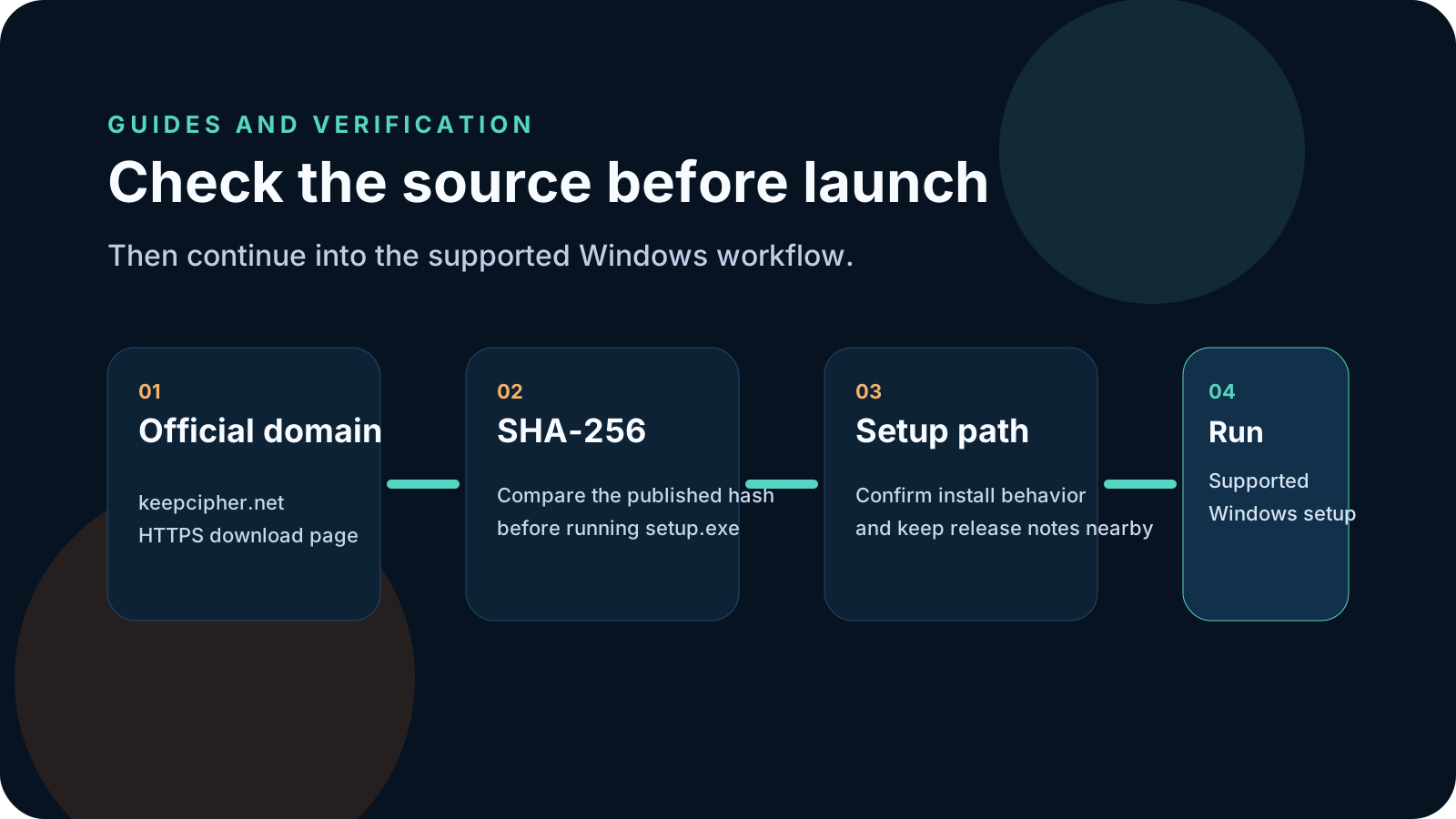
This is the shortest safe routine we recommend before running a setup file on Windows.
Start from the product domain, not from a forwarded attachment or a copied file path. The public page should explain what the installer does and where it installs.
Check that the downloaded file name matches the official page, then compare the SHA-256 with the published value from that same page.
Before launch, confirm the install path, uninstall path, and any software terms or trust notes that describe the setup behavior.
Once the source, file, and documented behavior line up, run the installer and keep the download page as the reference for future support or redeployment.
KeepCipher
These are the habits that usually create confusion later for operators, customers, or support.
A bare file in Downloads or chat is harder to trust than a file tied to an official page with a published hash and install notes.
Visual familiarity is not enough. The file name, source URL, and SHA-256 are much stronger checks.
If the installer behaves differently from the public documentation, that mismatch should be treated as a red flag worth reviewing.
Related pages
Use the public product pages below if you want the live installer, workflow pages, and pricing details that support this verification routine.
KeepCipher
Once the file checks out, continue with the supported KeepCipher setup flow or compare plans for the devices that will use it.